I am quite new to photo editing; In fact, I believe have opened Photoshop a total of two or three times before giving up simply because it was so complex. Pixlr on the other hand was a lot a fun to use primarily due to the fact that it’s really intuitive easy to navigate the tools that you are provided with. I think that Photoshop is probably much more powerful than Pixlr, but Pixlr is much simpler. For my image I got a stock image of some empty shelves. In order to get a better understanding of how layers work, I added a bunch large tech companies’ logos. The few problems that I did encounter had to with adding other images. For example, I learned how important it so to select images with transparent backgrounds. If you don’t select an image with a transparent background you could use the eraser tool which takes a lot of time. The other issue I experienced was poor resolution from images I had placed on the upper layers of my image. I imported very high-resolution images then made them smaller using Pixlr’s resizing tool resulting in somewhat blurry images even when best quality is selected.
I had a lot of fun messing around with different filters and effects but have decided that my favorite tool has to be the ‘liquify’ one. It distorts wherever you click depending on which layer you have selected. I used liquify on the shelves below each logo because I thought it looked pretty cool.
Even though I’m not huge into photo editing and illustration, I do believe a lot of the concepts that I picked up from Pixlr can be used in other programs like Photoshop. I do a lot of work designing user interfaces so this can without a doubt expose me to some different tools.
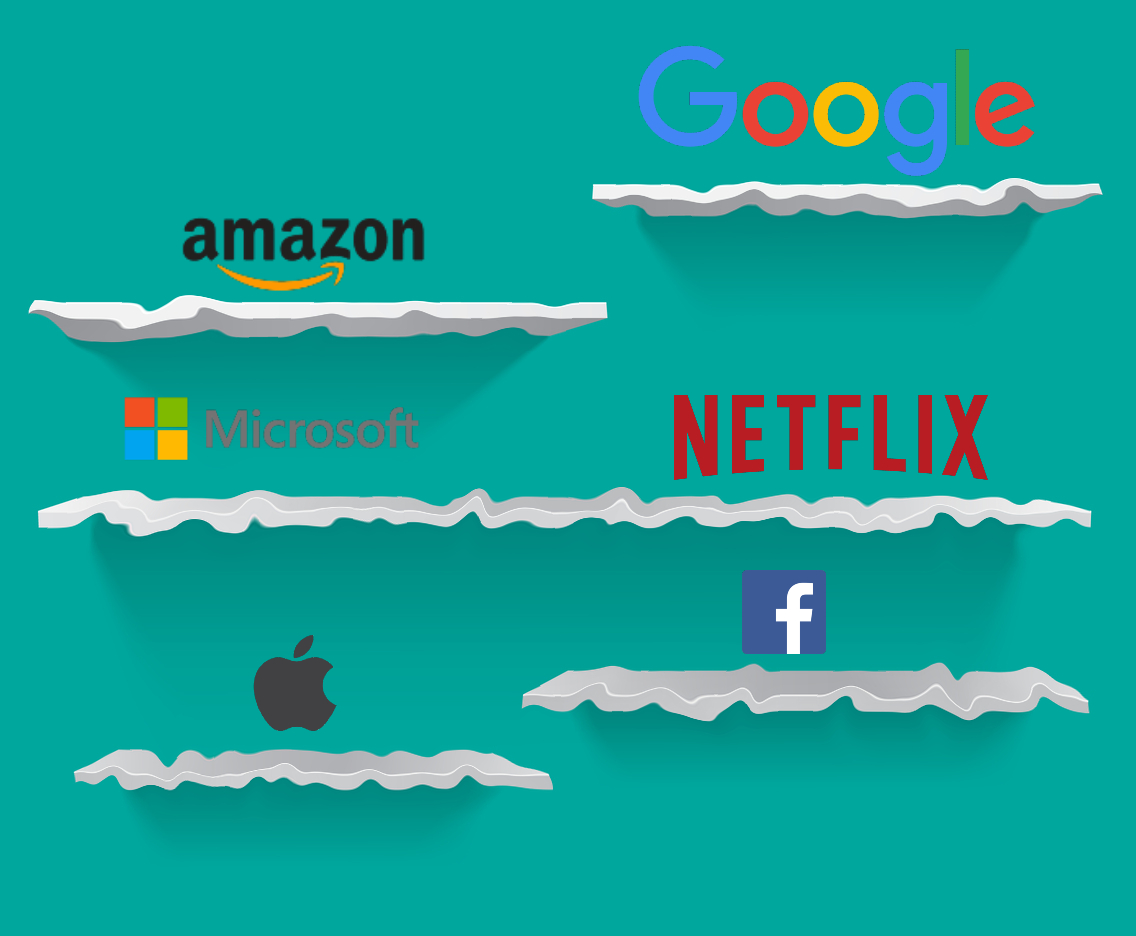
This image was borrowed and remixed from the following:
https://www.cleanpng.com/png-apple-logo-apple-logo-material-4992174/
https://www.freepnglogos.com/images/amazon-png-logo-vector-6695.html
https://www.stickpng.com/img/icons-logos-emojis/tech-companies/facebook-icon
 Matt's Blog
Hello Matthew,
I completely agree with you that Photoshop is very complex and can be very overwhelming due to its layout. I have also tried Photoshop a few times, but I have never been a professional with it. I make very simple flyers using it and that is about it. I have tried Pixlr in the past, but I remember not liking it as much which is why I didn’t use it for this assignment. However, I agree with you that it is a lot simpler and easier to understand. I used Canva to make the header on my website because I am more familiar with it and it has templates for users to borrow. It’s also free and has very simple functions that are available. You should check it out if you are to ever make your own header/flyer!
LikeLike
Hi Matt, The idea of layers is pretty cool and something that I really had no idea about. You can really just keep posting pictures on top of each other and they will still be there beneath the top picture. I did not try the liquify tool but it seems cool so I will for my next post thanks!
LikeLike
Hi Matt,
I definitely think using images with transparent backgrounds is easier than using the eraser tool. I like how the liquify effect turned out of the shelves, overall the graphic looks super clean!
LikeLike